GeoGroove
A new means of making music with nature.
Role
Industrial Design
User Experience
Year
2025
Tools
Fusion360
Arduino
p5.js
Team
Ajia Grant
Alexis Chew
Overview
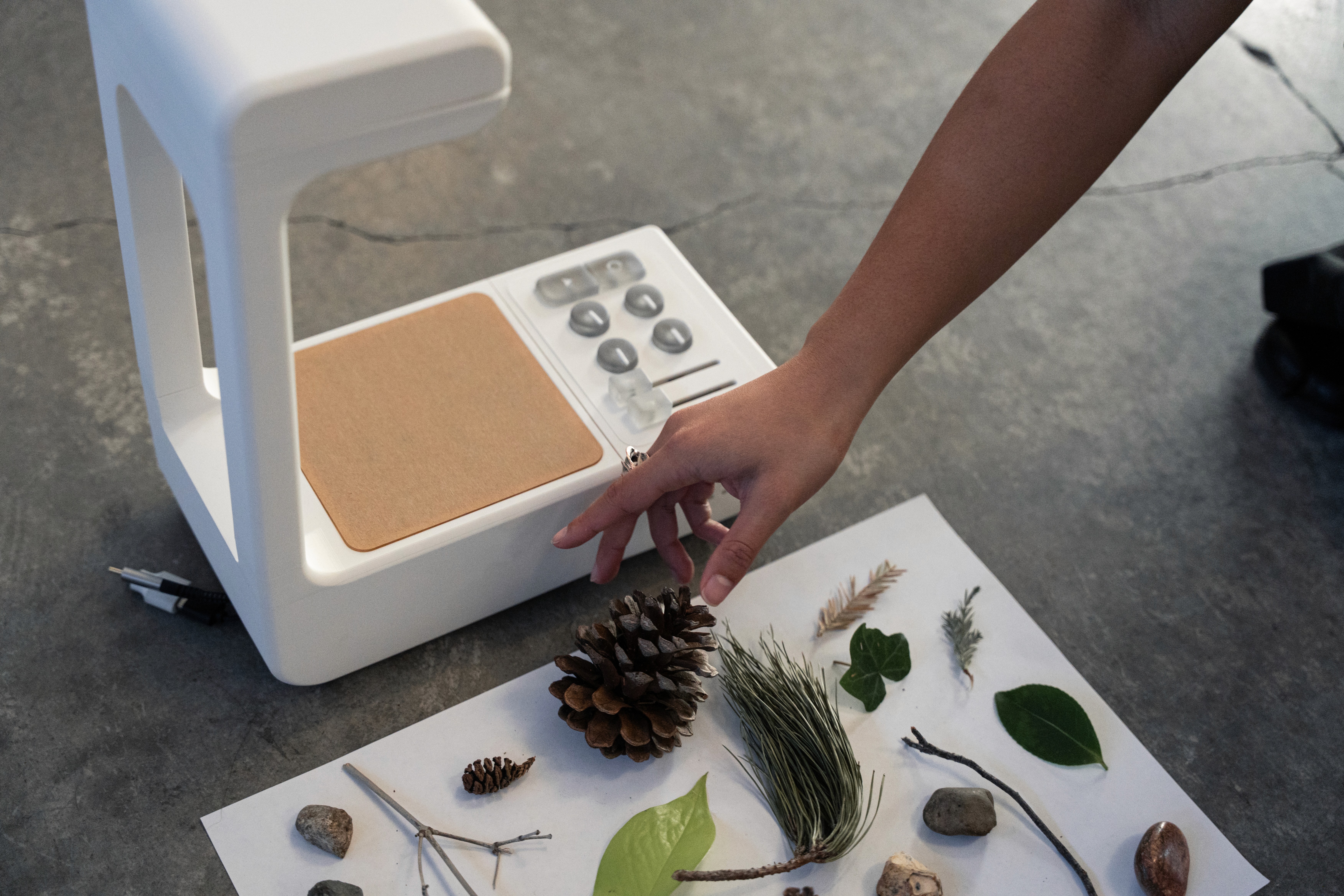
GeoGroove an interactive children's toy which retrieves visual information from natural objects and translates object qualities into an auditory output which can be altered by the object or system manipulation.
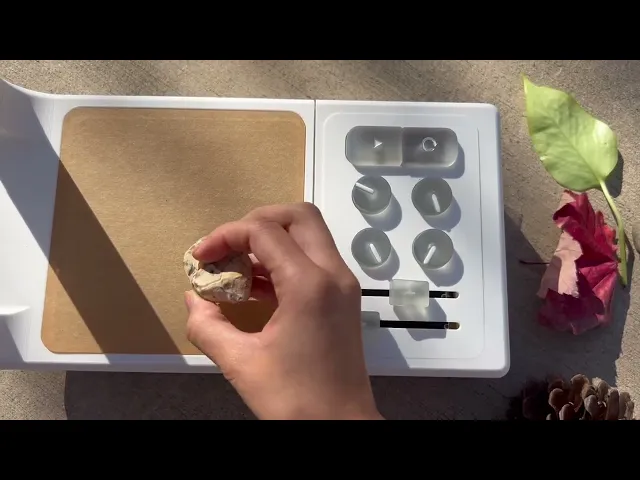
Children can interact with our device by placing objects, pressing buttons, or changing knobs, making it a playful way to explore sound and creativity. One can explore alternative forms of music by engaging with objects from their environment, fostering creativity and interactive play.
Context
Music Making
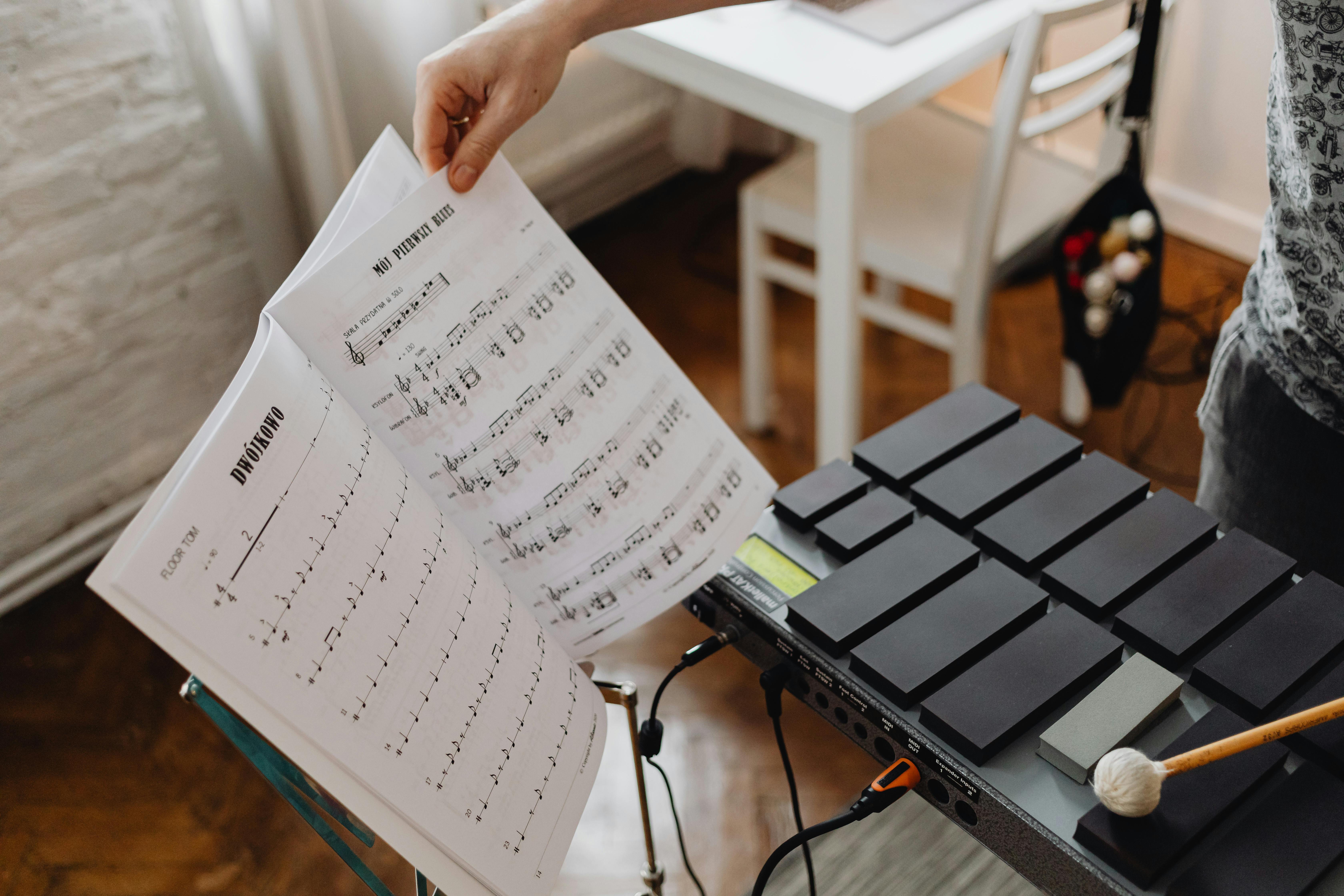
Conventional instruments can be intimidating and less open for experimentation.
Disconnect with Nature
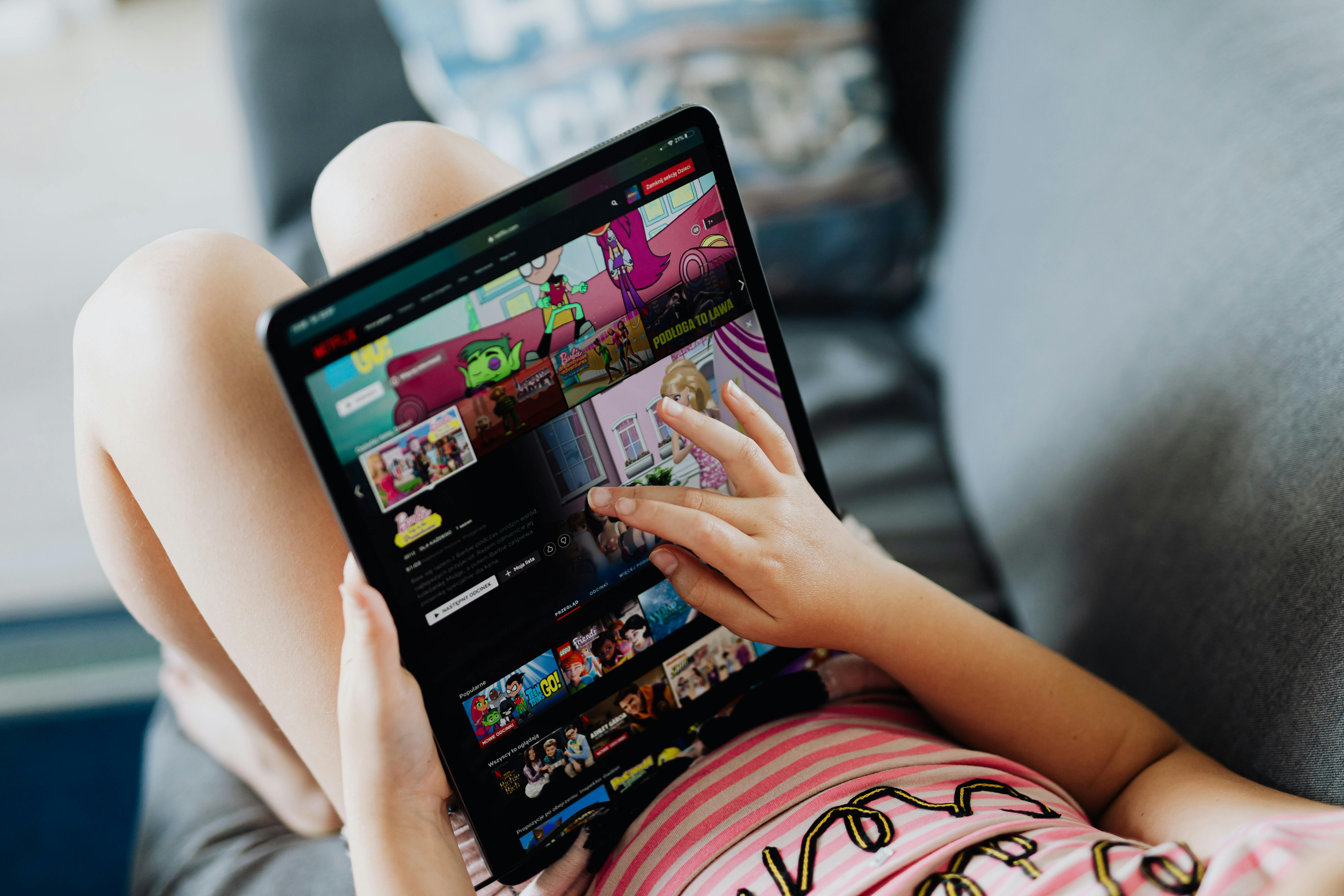
The generation of iPad parenting has lessened outdoor exploration.
Problem
As technology continues to fill up space in the world we interact with today, our relationship with nature grows more distant.
How can we find a way for children to remain curious about nature in a world that is increasing technologically?
Research
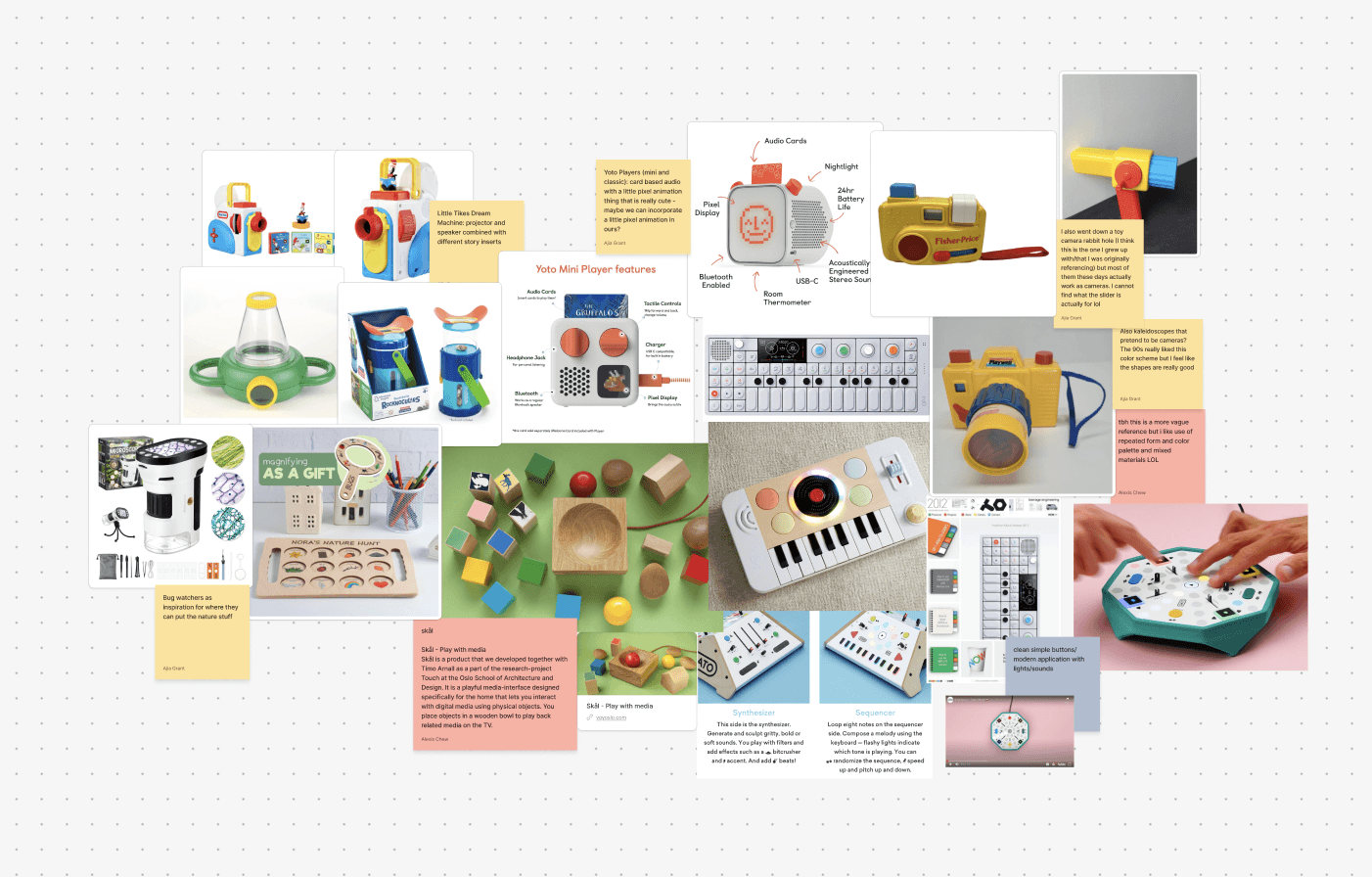
We looked into existing music developing tools for children and took inspiration from Fisher Price's and Teenage Engineering. Our design leaned more towards rounded out edges and friendly interfaces as we focused on designing this device for children.
We settled on these three main criteria:
Intuitive - easy to use regardless of prior musical knowledge or experience.
Evokes curiosity - allows for open-ended use and encourages natural objects of all shapes and sizes.
Fun - provides a feeling of outdoor play.
Ideation
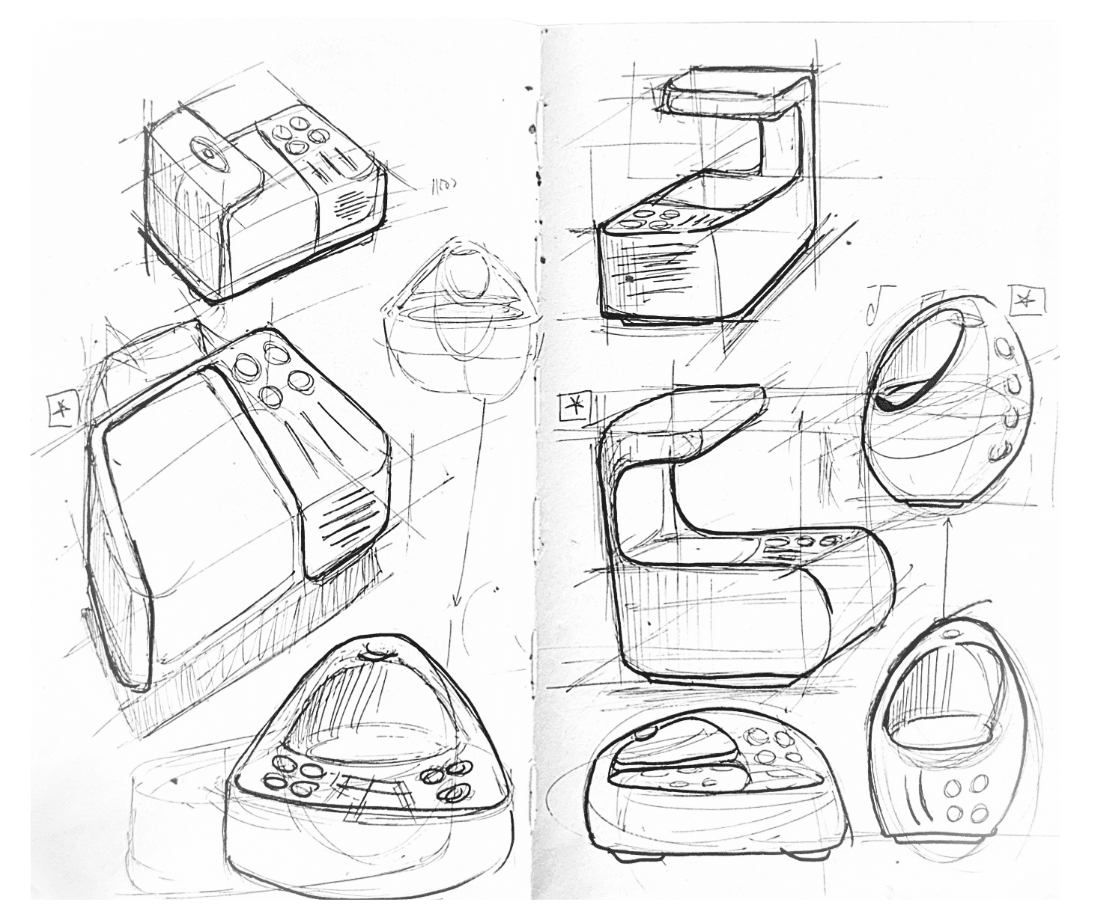
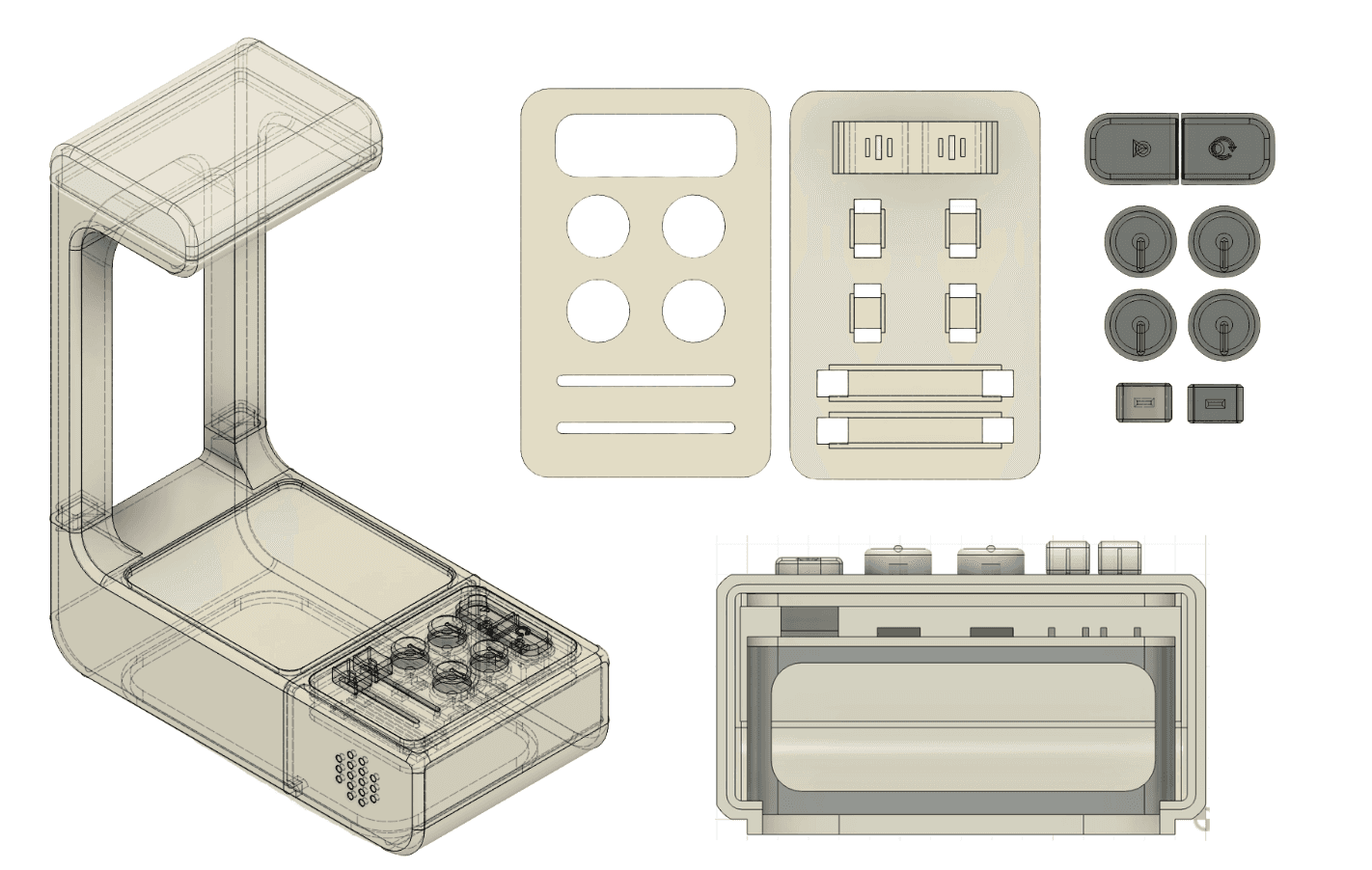
For our physical model we wanted to include a platform large enough for users to place found objects on top of. To read the objects, we needed to include an extended arm to house a hidden camera. With these considerations we created a variety of forms shown above.
Technical Components
GeoGroove runs on a computer vision model trained on Teachable Machine.
The model's performance was evaluated using a testing dataset categorized into five distinct natural object classes:
Leaf, Stick, Pinecone, Pineneedle, and Rock.
To enhance the model's accuracy, the sample size for each object category was increased to utilize a greater volume of real-world images in our testing environment to better train the model around visual noise.
System Architecture
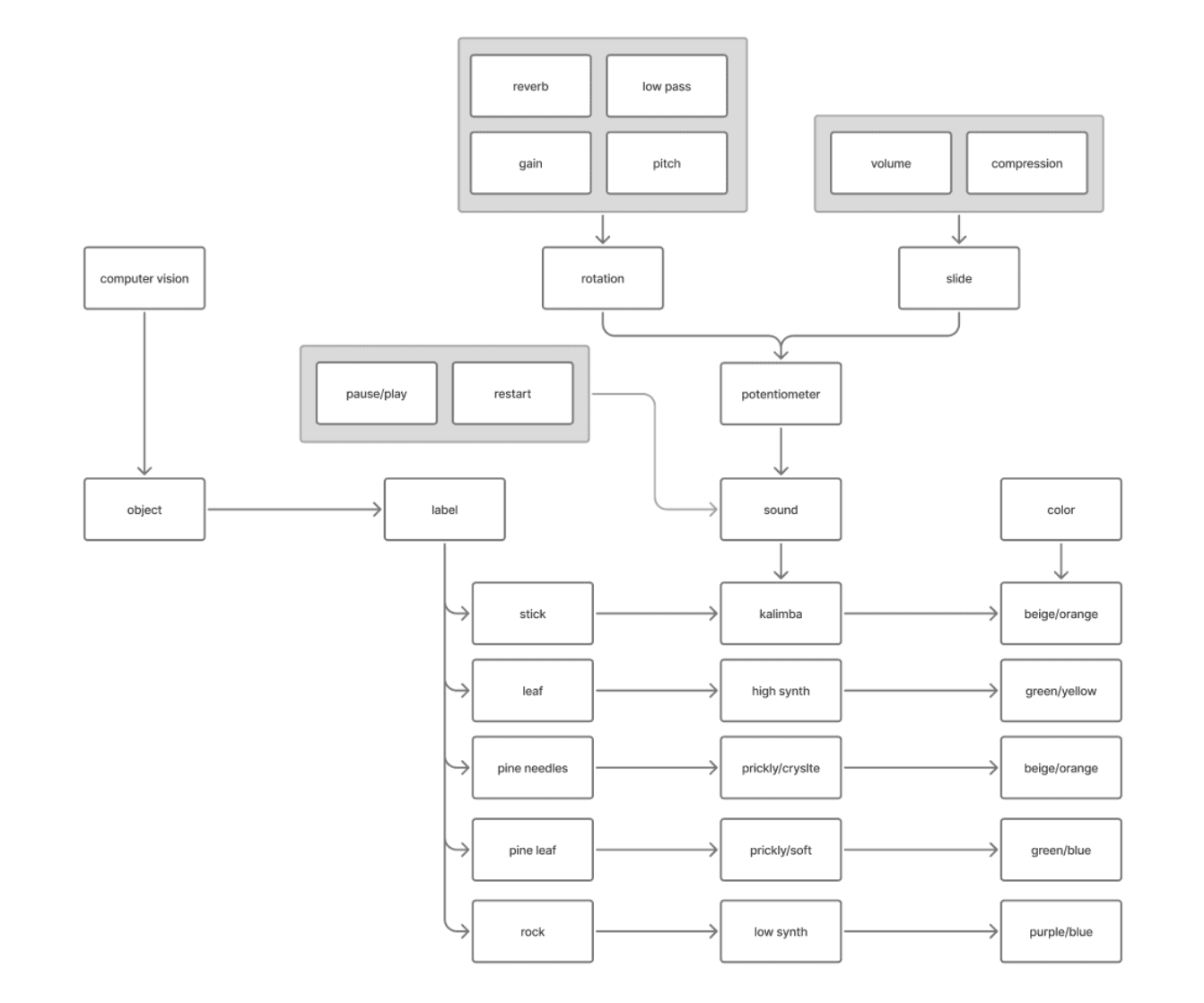
This diagram displays how object recognition using computer vision translates to an auditory response. For each of the labels, a set of sound audios was compiled to play based on the type of object that was placed below the camera. The sound could then be altered to the user’s preferences through rotating and sliding potentiometers which each controlled a different trait.
Development
For our physical model we wanted to include a platform large enough for users to place found objects on top of. To read the objects an extended arm holds a hidden camera.
We also wanted to include a control panel for users to alter the sound qualities produced by each object. A pause/play button rests at top next to a restart button. Four rotational potentiometers follow below along with two horizontal slide potentiometers.
For a more approachable look we filleted the edges and made the affordances easy to identify. As this design was aimed for children, we made the buttons and sliders chunky and easy to grab.
Outcome
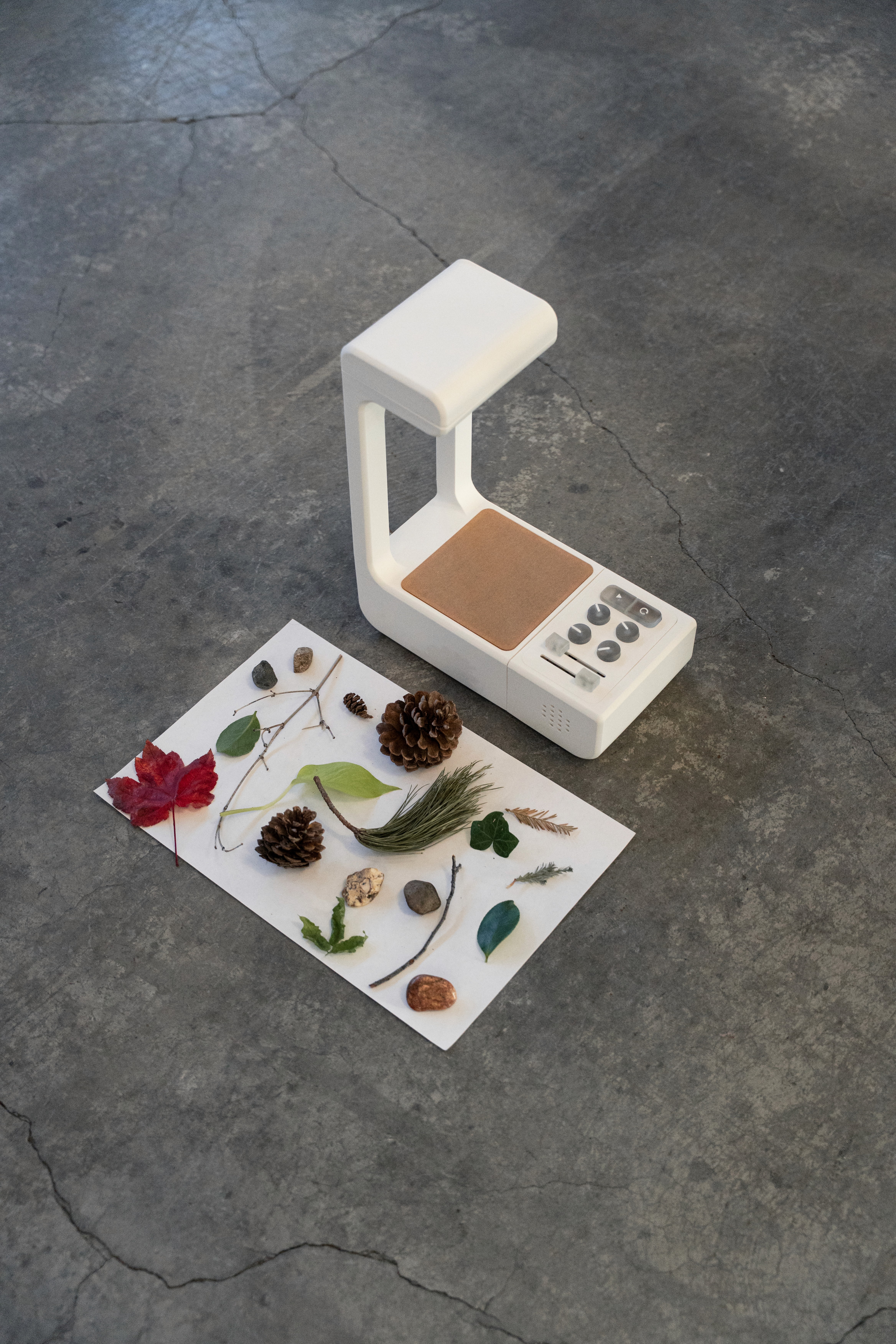
The final prototype consists of a PLA base with an acrylic platform and resin printed buttons and sliders. A camera rests hidden in the top of the device and users can place natural objects below to reveal sound qualities of the object below. Users can then manipulate the audio which each object produces in the side panel through volume, compression, high/low/med pass, gain, reverb, and pitch.
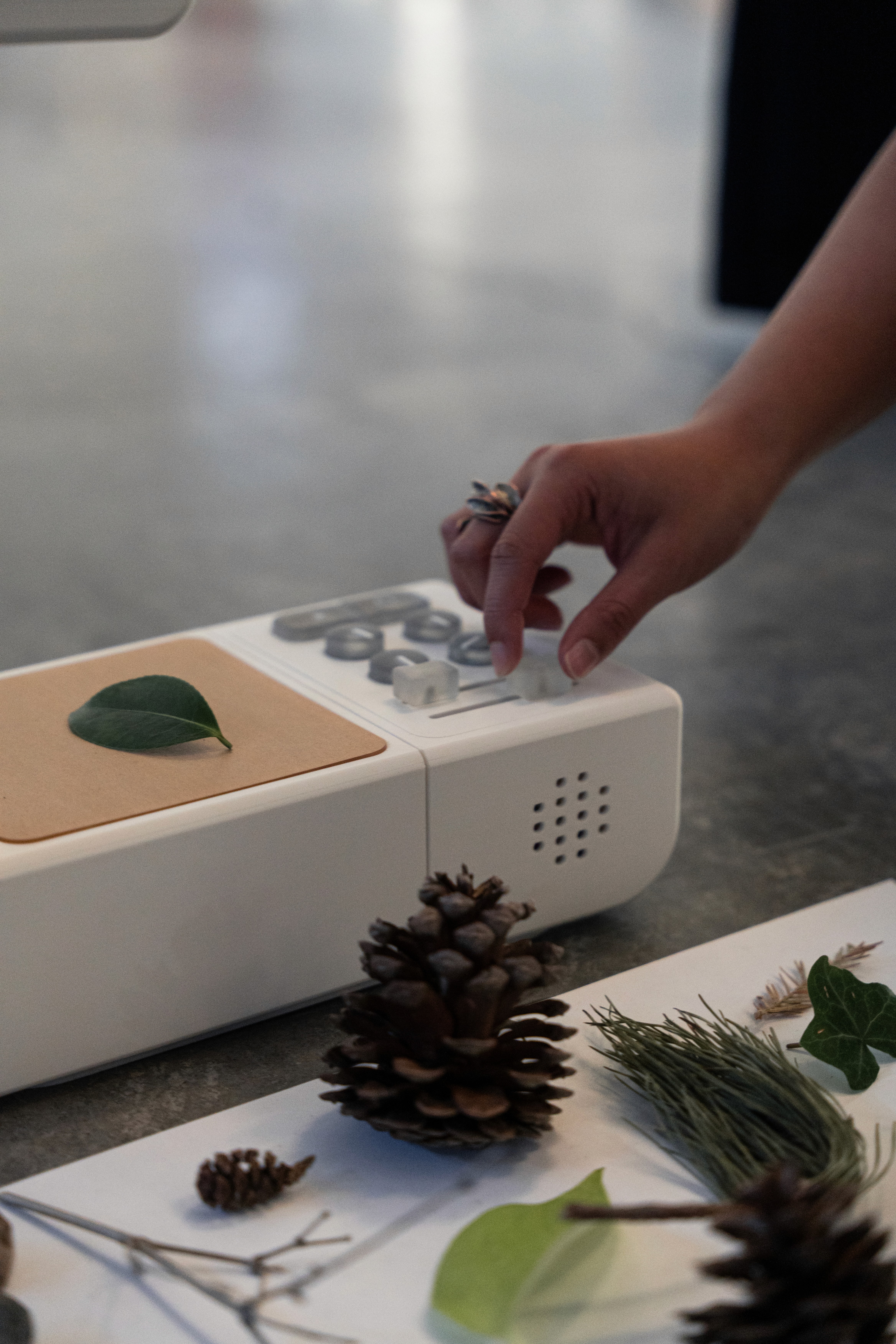
The final prototype succeeded and evoked the curiosity response we initially aimed for initially. Users expressed excitement and interest in the sound qualities of each object and explored in manipulating the sounds through the extended panel. The final project was highly resemblant of our rendered prototypes and the physical language succeeded in directing users across the interface.
My team and I successfully gained knowledge in using computer vision, audio technology, and advanced prototyping methods through this project.